
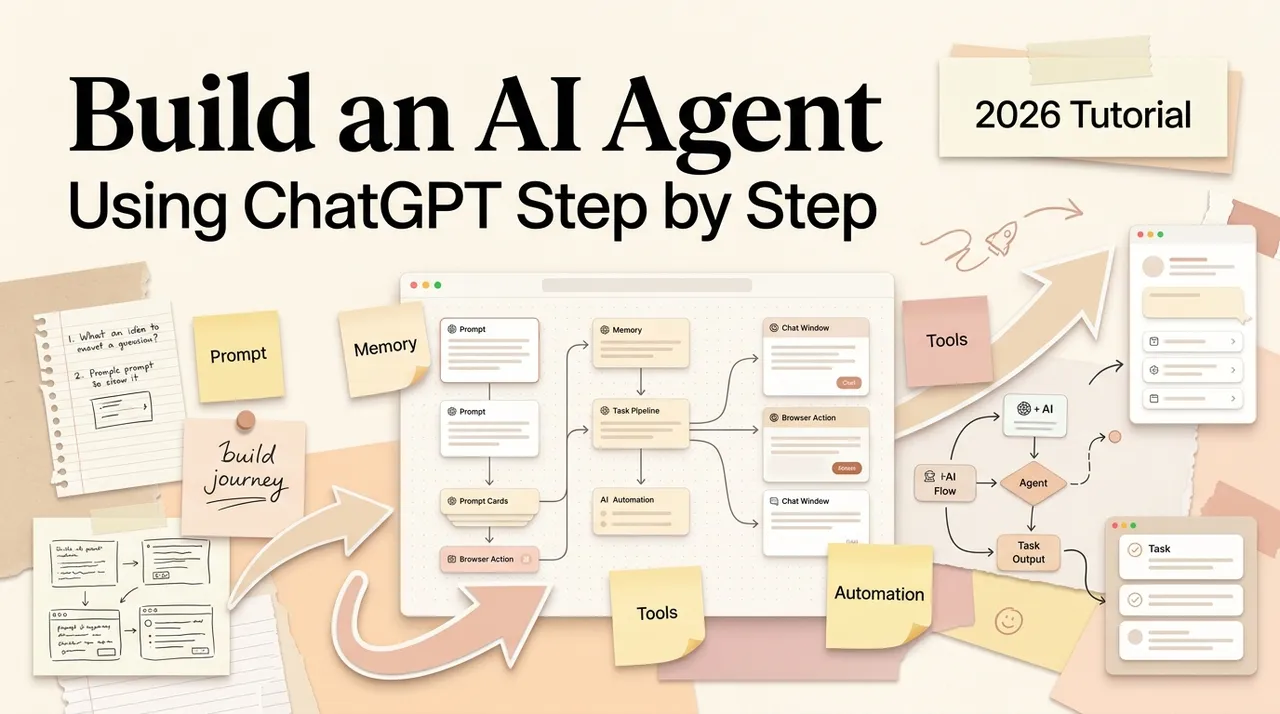
You can build a useful AI agent with ChatGPT without opening an API playground or writing application code. But “build an agent” now has several possible meanings inside ChatGPT: save a repeatable set of instructions, package a workflow as a plugin, connect approved apps, or delegate a longer multi-step task in ChatGPT Work.
Information checked October 13, 2026.
The right path depends on what must persist and what the system may do. A research checklist needs reusable guidance. A document workflow may need reference files. A status-update agent may need permission to read Drive and Slack. A workflow that changes records needs an app with supported write actions, workspace approval, and a human-review policy.
This guide focuses on the no-code, in-product route. It does not cover building an agent into your own website or product.
What “an AI agent in ChatGPT” means now
For a reusable workflow, OpenAI’s current direction is plugins. A plugin can combine:
- skills: instructions and supporting reference material that explain how to perform a task;
- apps: connections that provide information or supported actions in another service.
OpenAI is transitioning legacy custom GPT workflows to plugins. If your workspace still has an existing custom GPT, treat its instructions and knowledge as migration inputs rather than starting a new personal GPT. Current official guidance says personal ChatGPT accounts cannot create new GPTs; managed workspace creation and sharing depend on plan, permissions, and admin settings.
For longer one-off work rather than a reusable package, ChatGPT Work can complete multi-step tasks with the files, tools, browser, and apps authorized for that workspace. Availability and controls vary by plan, rollout, and workspace policy.
The practical choice is:
| Need | Best starting point |
|---|---|
| Repeat the same method with new inputs | A skill or plugin |
| Reuse instructions plus connected services | A plugin with approved apps |
| Complete a longer, changing assignment | ChatGPT Work task |
| Put an assistant inside your own product | OpenAI API, outside this guide |
OpenAI’s current Skills and Plugins guide explains this product boundary.
Before you build: check access and choose one task
Plugin creation is not simply a universal button for every account. OpenAI’s Build plugins guide says the no-code creation flow applies when plugin creation, editing, the required permission, and Plugin Creator are enabled in your workspace. Apps must also be allowed and connected.
Before doing any design work, check:
- Is Plugin Creator available in ChatGPT or ChatGPT Work?
- Do you have permission to create or edit plugins?
- Is the app you need allowed by the workspace?
- Does your account in that external service already have the required access?
- Are the actions you need read-only, write, or consequential?
Then choose one narrow job. Good first workflows have a clear trigger, repeat frequently, use familiar inputs, produce a reviewable output, and remain useful even when a person approves the final action. Examples include turning a document into a decision brief, preparing a meeting pack, comparing two proposals against a checklist, or drafting a weekly status update from approved sources.
Avoid “manage my business” or “be my marketing agent.” They hide multiple jobs, conflicting success criteria, and excessive permissions.
Step 1: write the task contract
Before opening Plugin Creator, write a compact contract:
- Purpose: the job and the user it serves.
- Trigger: what the user provides or asks.
- Inputs: files, fields, apps, date range, and required context.
- Process: mandatory checks and order of operations.
- Output: format, audience, length, and quality standard.
- Boundaries: prohibited actions and sources.
- Escalation: when to ask a question, mark uncertainty, or stop.
- Review: which result or action needs approval.
A usable brief might say:
Prepare a weekly project update from the project plan and messages in the approved Slack channel. Report completed work, decisions, risks, blockers, and next actions. Cite the source for each decision. Do not send messages or edit source files. If dates conflict, list the conflict for review.
This is more valuable than telling ChatGPT to “act as an autonomous project manager.”
Step 2: create the reusable workflow
When Plugin Creator is available:
- Start a conversation in Chat or Work.
- Type
@, select Plugin Creator, and describe the task contract. - Add a template, good example, checklist, or reference file.
- Answer questions and refine the instructions.
- Review the name, description, instructions, and resources before finishing.
New workspace plugins begin private according to the official build guide, which makes private testing the right default. Keep the first version focused on one workflow. A clear name and description help both people and ChatGPT recognize when it applies.
If Plugin Creator is absent, do not invent an account workaround. Availability may depend on plan, rollout, workspace role, and admin policy. You can still test the task contract in an ordinary chat, use an available installed plugin, or ask the workspace administrator about access.
Step 3: separate instructions from knowledge
Instructions explain how to work. Reference material provides facts, examples, and formats.
Put stable operating rules in the workflow: required steps, output sections, refusal boundaries, and how to handle missing information. Use supporting files for a template, glossary, approved policy, or examples of good results. Do not bury a critical rule only inside a long reference document.
Good reference material is current, small enough to review, clearly named, and owned by someone. Add an update date when facts can expire. If two sources conflict, tell the workflow which one wins—or require it to surface the conflict.
Step 4: add apps only when the task needs them
Apps supply external information or supported actions. Adding an app does not grant new access: workspace availability, role access, the connected account, scopes, and source-system permissions still apply. OpenAI’s ChatGPT Work security overview documents those layers.
For each app, record:
- why the workflow needs it;
- what it may read;
- what it may create, edit, or send;
- which identity the connection uses;
- which actions require confirmation;
- what the workflow should do when access fails.
Start read-only. Add write actions individually after the read workflow passes its tests. Use the narrowest account and scopes that can perform the task. A plugin cannot safely compensate for an overprivileged connected account.
Step 5: design approvals and stop conditions
An agent is safer when “stop” is an intentional outcome. Require confirmation before external communication, publishing, record deletion, financial or legal commitments, permission changes, or other consequential actions.
Define stop conditions for missing required data, conflicting sources, unavailable tools, ambiguous recipients, unexpected record counts, or results outside a budget or date range. The workflow should return what it found, what is missing, and the smallest question needed to continue.
Do not rely on polite instruction alone for high-impact boundaries. Use workspace action controls, app permissions, least-privilege accounts, and human approval where supported.
Step 6: test with an evaluation set
Previewing one ideal input is not testing. Prepare a small, versioned set that includes:
- normal cases with known good outputs;
- incomplete and ambiguous inputs;
- conflicting or stale references;
- inaccessible files or disconnected apps;
- content that tries to override the workflow instructions;
- cases that require refusal, escalation, or approval;
- maximum realistic input size and peak workload.
Score the complete result: required facts present, unsupported claims, format compliance, correct source use, tool/action correctness, appropriate escalation, human edit time, and end-to-end latency. For write workflows, verify that a failed retry cannot create duplicate changes and that recovery is documented.
After every instruction, model, app, permission, or source change, rerun the evaluation set. A workflow is not “done” because it worked once.
Step 7: choose how to share and publish
Keep the workflow private while testing. Before workspace sharing, document its owner, intended audience, required apps, data classification, known limitations, test result, support path, and review date.
Sharing and publishing depend on workspace settings and permissions. Users still need access to the underlying apps and source data. Publishing a plugin does not grant those permissions automatically.
For a team rollout:
- pilot with a small group;
- observe failures and unnecessary permissions;
- update instructions and tests;
- confirm app and role access;
- publish to the intended audience;
- review after meaningful source, tool, or policy changes.
What this approach can and cannot do
This route is strong for repeatable knowledge work: research briefs, document comparison, meeting preparation, structured drafting, triage, and supported actions through approved apps. It gives non-developers a practical way to package a method instead of repasting a long prompt.
It is not the right route for embedding an agent in a customer product, implementing arbitrary backend logic, bypassing workspace controls, or guaranteeing unattended execution of high-consequence work. If you need a custom application, use the API and an engineering lifecycle. If you need a persistent multi-step assignment with broader execution, evaluate ChatGPT Work rather than pretending a reusable instruction package is an always-running employee.
For a platform-neutral build process, see how to build an AI agent. To decide whether a deterministic flow is enough, compare AI agents and chatbots.
A final launch checklist
- One task, trigger, finish state, and owner are defined.
- Instructions, reference files, and app responsibilities are separated.
- Data sources are approved and current.
- Read and write permissions follow least privilege.
- Consequential actions require the right review.
- Normal, failure, adversarial, and escalation cases pass.
- Users know the limitations and support path.
- An owner can update, disable, export, or replace the workflow.
That is the practical meaning of building an AI agent with ChatGPT today: not creating a magical autonomous worker, but packaging a bounded method with the context, tools, permissions, tests, and ownership needed to use it repeatedly.
Related posts
DeepSeek DSH Superagent: From GitHub Requests to Agent Workflows
Understand how DeepSeek's DSH Superagent prototype turns authorized GitHub and Feishu requests into coding tasks, and which workflow…

What Is Gemini Agent? Google's Universal Work Agent Explained
Gemini Agent is Google's universal work agent for persistent tasks, multi-agent coordination, model routing, and work across business…
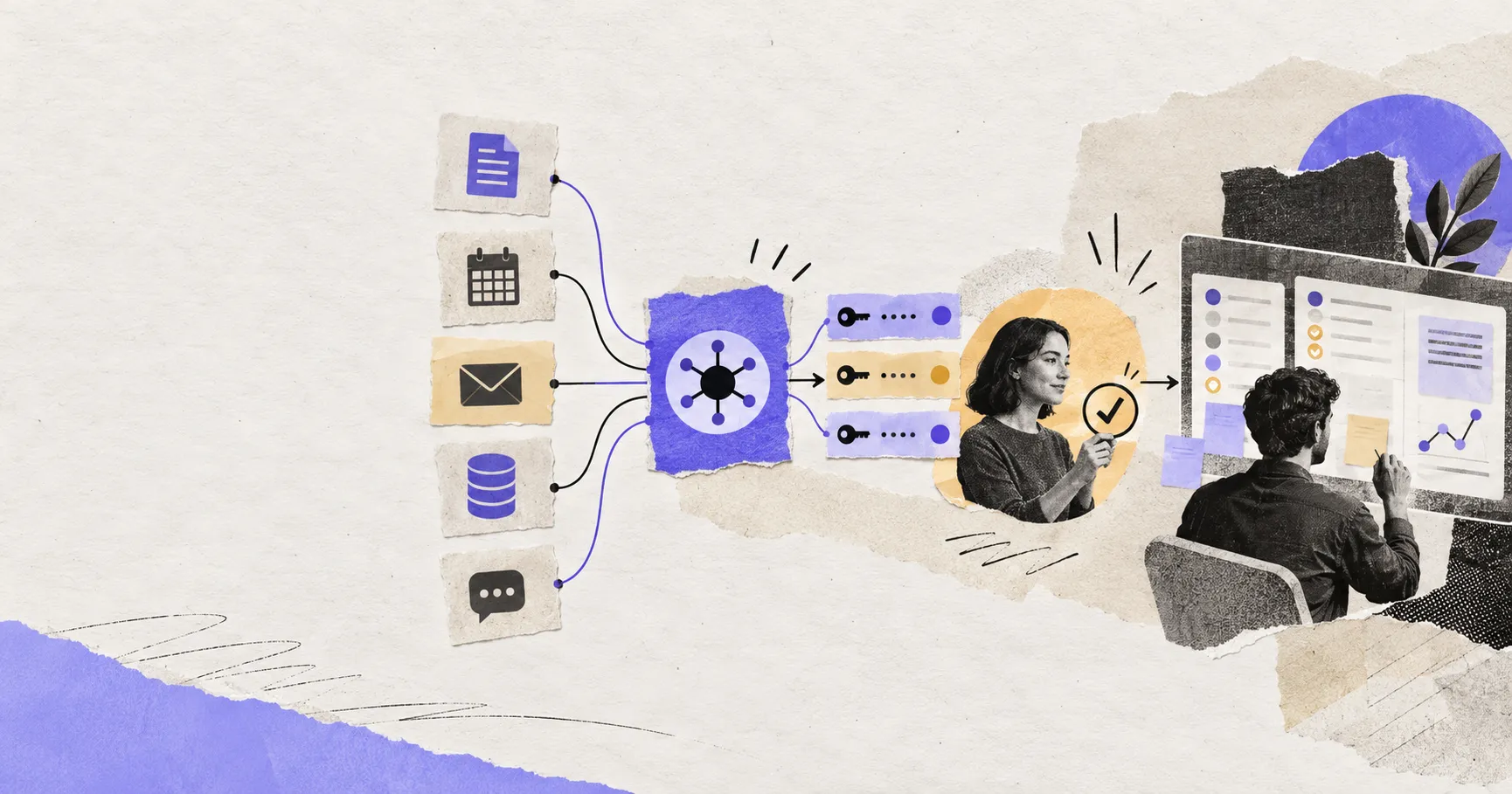
AI Agent Connectors Explained: MCP, OAuth, and Permissions
Learn how AI agent connectors use MCP, OAuth, scopes, resource permissions, and approval gates—and how to evaluate a connector before it…
https://floatboat.ai/blog/how-to-build-an-ai-agent-with-chatgpt