
What Is ChatGPT Space? Pages, Projects, and Permissions
ChatGPT Space organizes editable Pages, files, and collaboration. Learn how it differs from Projects and chat, how permissions work, and when to migrate.
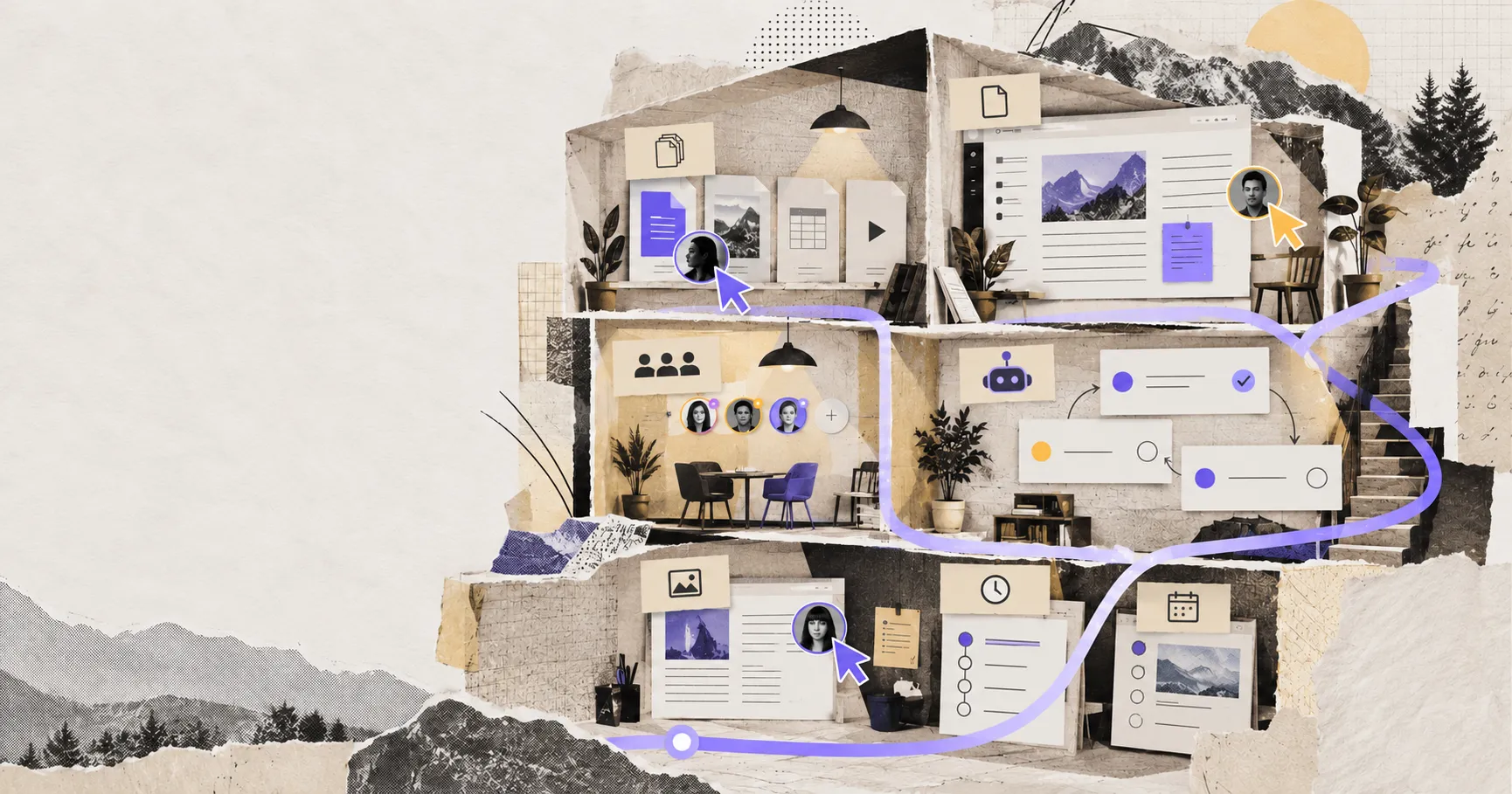
ChatGPT Space is a persistent home for editable Pages, uploaded files, folders, and shared work inside ChatGPT. Its purpose is not to make conversations longer. It gives the useful result of a conversation—a brief, research summary, plan, tracker, or decision record—a place where people can edit it directly and keep developing it with ChatGPT.
That distinction is the fastest way to understand Space. A chat is a discussion. A Page is a working document. A space organizes related Pages and files. Projects still organize project-specific chats, sources, and instructions. An agent can help change a Page, but Space itself is not an always-running agent.
As of October 10, 2026, OpenAI says creating and editing Space content is available on ChatGPT Pro, Business, and Enterprise. Access and sharing can also depend on workspace settings. This guide uses OpenAI’s current product documentation, not assumptions based on the old Library interface.
ChatGPT Space in one practical example
Suppose a product team discusses a launch in ChatGPT. The conversation contains useful analysis, but it also contains discarded ideas, follow-up questions, and several versions of the same recommendation. Sharing that thread forces every reader to reconstruct which answer is current.
With Space, the team can turn the accepted material into a launch Page, edit the text directly, and place supporting meeting notes or research in subpages. A teammate can comment on a paragraph; another can ask their own ChatGPT to revise the risk section; the Page remains the object everyone reviews.
OpenAI’s Space getting-started guide describes Pages as editable documents that can contain charts, trackers, interactive tools, files, and subpages. It also recommends checking names, dates, calculations, and sources before sharing. In other words, a Page is an editable artifact, not an authoritative answer simply because an AI helped create it.
The five surfaces people commonly confuse
Space arrived in a product that already had chats, Projects, files, and agents. Choosing the correct surface matters more than moving everything into the newest one.
| Surface | What it holds | Best use | What it does not imply |
|---|---|---|---|
| Chat | A conversation and its immediate context | Exploration, questions, and one-off work | A maintained final document |
| Page | An editable, shareable artifact | Briefs, plans, notes, reports, and team references | Access to the author’s private chats or Memory |
| Space | Related Pages, folders, files, and shared organization | A durable body of work around a topic or team | Automatic execution or replacement of Projects |
| Project | Project chats, files, sources, and project instructions | Repeated conversations that need the same bounded context | A hierarchy of editable Pages |
| Dot or other agent | An actor that can research, draft, revise, or continue work | Performing a task with allowed tools and context | Ownership of the workspace or automatic authority to share it |
The dividing line between a Page and a Project is especially important. OpenAI’s current Projects documentation describes a Project as a live context hub: chats can draw from project files and instructions, and shared members can contribute ongoing conversations. Space instead centers the durable artifact. You can discuss a positioning problem repeatedly in a Project, then maintain the accepted positioning document as a Page.
They can complement each other, but OpenAI explicitly keeps them separate. Space replaces Library only for accounts that have access to Space; it does not convert Projects or eliminate them.
What changed from Library to Space
Library primarily answered, “Where is the file ChatGPT created or received?” Space adds a content model around that saved material:
- Pages can be written and edited directly, not merely stored as attachments.
- A space can contain folders and related Pages.
- Pages can contain subpages, allowing a summary to sit above supporting work.
- People can collaborate on the same Page and use comments for passage-level feedback.
- Each collaborator can use their own ChatGPT or available agent on the shared content.
The migration language needs precision. OpenAI says Space replaces Library for accounts with Space access. It does not say every account has Space, nor that every prior file becomes an ideal Page. Files may remain files, while documents that need active maintenance benefit from conversion into Pages.
This is why “move everything” is a poor migration plan. A generated image, a source PDF, and a decision memo have different jobs. The image and PDF may remain supporting files; the memo is the better Page candidate.
How Pages work with ChatGPT and other agents
A Page supports several modes of assistance. You can discuss a broad revision in the conversation beside the Page, select a passage and request a focused change, mention ChatGPT or an available dot inline, or assign an agent from a comment. OpenAI’s guide to agents in Space recommends reviewing the reply and any edits before continuing.
The interaction point changes with the task:
- Use the side conversation to explore a question before changing the document.
- Select text when the requested edit should stay tightly scoped.
- Use a comment when the request belongs to a specific review discussion.
- Mention an agent when that particular agent has the relevant instructions or tools.
This does not make every Page autonomous. OpenAI states that Keep Updated is not available at launch. Writing “refresh weekly” inside a Page is not the same as saving and enabling a scheduled task. Recurring work must be configured and then verified separately. For a deeper explanation of the execution layer, see how an AI workspace agent differs from a chat assistant.
Three workflows where Space is genuinely useful
Turn research into a maintained decision record
A researcher can create a Page from an exploratory conversation, preserve the relevant source links, and move unresolved questions into subpages. The useful gain is not AI drafting alone; it is separating the current conclusion from the discussion that produced it.
This works well for vendor evaluations, policy notes, competitive research, and editorial briefs. It works poorly when sources cannot be shared with the Page audience or when the final record must live in a controlled repository.
Review a document without passing versions back and forth
An owner can share a Page with view, comment, or edit access where those roles are available. Reviewers can comment on a passage, while editors can revise the content directly. Each person uses their own ChatGPT rather than inheriting the owner’s private conversation history.
The important operating rule is to assign one authoritative Page. If contributors keep exporting copies and editing them elsewhere, Space becomes another version source rather than the source of truth.
Maintain a small knowledge tree around recurring work
A parent Page can hold the current plan, with subpages for meeting notes, decisions, weekly updates, and source material. This suits work where readers need both a stable summary and the reasoning beneath it.
Do not mistake the hierarchy for an execution schedule. A well-organized content tree makes context easier to find, but a persistent agent, calendar trigger, or approved automation is still required to perform recurring work. The distinction between storage, context, and action is also central to agent connectors.
Permissions are inherited, not merely assigned once
The most consequential Space behavior is inherited access. According to OpenAI’s collaboration guide, sharing a space gives access to its Pages, and sharing a parent Page grants access to its child Pages. Access can therefore come from a direct invitation, a parent Page, or the containing space.
This produces two operational consequences:
- Removing a direct invitation may not remove access if the person still inherits it from a parent or space.
- Moving a Page under a different parent can change who can access it.
Before reorganizing a Page tree, review both the content hierarchy and the permission hierarchy. A subpage containing customer notes should not be placed under a broadly shared parent merely because that location looks tidy.
Files have another boundary. A file uploaded into a Page follows the Page’s permissions. A link to a file stored elsewhere does not grant access to that original file; the connected service keeps enforcing its own permissions. Yet if a person or agent copies a summary from that source into the Page, everyone who can view the Page can read the copied information even if they cannot open the source.
That last case is easy to miss. “The source is private” does not make a derived paragraph private.
Memory, training, and data controls
Sharing a Page does not reveal your private chats or give collaborators access to your ChatGPT Memory. However, private context can cross the boundary through the document itself. If Memory is enabled and ChatGPT uses a detail from an earlier conversation while drafting a shared Page, that detail becomes visible once written onto the Page.
OpenAI’s Space data and controls documentation also explains that each collaborator’s own training and Memory settings apply when their agent works with shared content. On personal accounts, your training setting does not control a collaborator’s setting. OpenAI says it does not train on ChatGPT Business and Enterprise data by default.
For teams, the practical review is therefore broader than “Who can open this link?” Ask:
- What private context could an agent write into the Page?
- Who receives access through a parent or space?
- Are uploaded files intended for that same audience?
- Could a collaborator’s agent remember shared information?
- Which account type and organization policies govern the interaction?
Do not rely on the article as a substitute for your organization’s current retention, residency, legal, or security review. Product controls can differ by plan, region, and administrator configuration.
Current availability and launch limits
OpenAI’s documentation lists the following boundaries as of October 10, 2026:
| Capability | Current documented status |
|---|---|
| Create and edit Space content | ChatGPT Pro, Business, and Enterprise |
| Web and desktop | Create, edit, organize, and share |
| Mobile | Find, read, share, and navigate; no Page editing |
| Slides and Sheets | Coming soon |
| Automatic Page updates with Keep Updated | Not available at launch |
| Managed-workspace sharing | Controlled by organization settings; Enterprise admins may need to enable it |
| Business/Enterprise with data residency in Canada or UAE | Space listed as coming soon |
These limits make Space a poor fit if mobile editing, spreadsheet-first work, or automatically refreshed Pages is essential today. They also explain why two users on the same plan may see different collaboration options: workspace role and administrator policy can narrow what the interface offers.
A migration checklist that prevents a second content silo
Before moving important work from Library, Projects, local files, or another document system, run one representative workflow rather than importing everything.
1. Identify the authoritative artifact
Decide whether the source of truth will be the Page, a Project source, or an external file. Do not let all three become editable masters.
2. Separate discussions from deliverables
Move accepted decisions, current plans, and maintained references into Pages. Leave exploratory dialogue in chats unless it contains context that future readers genuinely need.
3. Design the Page tree around access
Group content only after mapping audiences. Parent-child organization and permission inheritance are the same design problem in Space.
4. Test source-file access with another account
Confirm that a collaborator can open every linked source they need. A readable Page does not prove the reader can open a Drive file, another Space file, or a connected-service link.
5. Test removal, not just invitation
Invite a pilot collaborator, then revoke access and verify the result. Check inherited access before concluding that the user has been removed.
6. Review AI-assisted edits as document changes
Verify dates, names, numbers, citations, and the exact section changed. Agent-generated content belongs to the Page’s review process; it does not bypass it.
7. Define an exit path
Confirm how critical content will be exported or preserved before treating Space as the only copy. This is especially important for regulated records, code repositories, and material with formal document-retention requirements.
When to choose Space—and when not to
Choose Space when people need to maintain a human-readable artifact with ChatGPT, comments, and a navigable hierarchy. It is a strong fit for planning documents, research collections, team references, meeting follow-through, and drafts that evolve through review.
Choose a Project when the repeated conversation needs a stable set of files and instructions. Keep a conventional document system when formal approvals, mature change history, or existing enterprise records controls are decisive. Keep code and repository-native documentation in version control when diffs, branches, automated checks, and local tooling are part of the work.
A local-first agent workspace deserves consideration when sensitive source material or the authoritative artifact must remain on a user-controlled machine. Floatboat follows that model: the workspace is organized around visible local files, with models and agents applied to the work rather than making a cloud Page the only durable copy. That is a different ownership choice, not a claim that every workflow should stay local.
The decision is about the home of the artifact
ChatGPT Space is more than a renamed file shelf because it turns saved work into editable, collaborative Pages that ChatGPT and other available agents can help develop. It is also less than a complete autonomous-work platform: Projects remain separate, automatic Page updates were not available at launch, permissions can be inherited, and external sources keep their own access rules.
The useful question is not “Should we use the newest ChatGPT feature?” It is “Where should the accepted version of this work live, who should be able to change it, and what should an agent be allowed to bring into it?” If Space provides the right answers, migrate one workflow and test its permission boundaries before expanding.
Related posts

OpenAI DevDay 2026: Every Major Announcement, Explained
A complete map of OpenAI DevDay 2026: Dots, GPT-6.1 Sol, Codex Cloud, Agents API, Plugins, Space, Pages, Pro 500, and the platform strategy…
Raycast for Windows Is Here: Raycast or Floatboat?
Raycast now runs on Windows. Compare Raycast and Floatboat by search, extensions, AI agents, files, projects, automation, pricing, and the…
Gemini 3.7 Flash: Model ID, Pricing, Specs, and 3.8 Migration
Gemini 3.7 Flash guide covering the exact model ID, 1M context, multimodal tools, time-bound pricing, migration parameters, and when 3.8 is…
https://floatboat.ai/blog/what-is-chatgpt-space