Workflow Builder vs AI Workspace: What's the Difference?
Not sure whether you need a workflow builder or an AI workspace? Here's how the two approaches differ — and how to figure out which one actually fits the way you work.

Hi, I'm Nova. ** ** Workflow Builder** ** vs ** **AI Workspace , I've been trying to explain this distinction to a friend who's setting up her solo consulting business. She kept asking: "So which one do I actually need?" And honestly, after spending the last few months testing both categories, I realized the confusion is totally valid — the marketing language makes them sound almost identical. They're not.
Two Different Bets on How AI Should Work for You
The workflow builder vs AI workspace question isn't really about features. It's about two different assumptions regarding how your work is structured — and whether it can be structured at all.
What a workflow builder assumes about your work
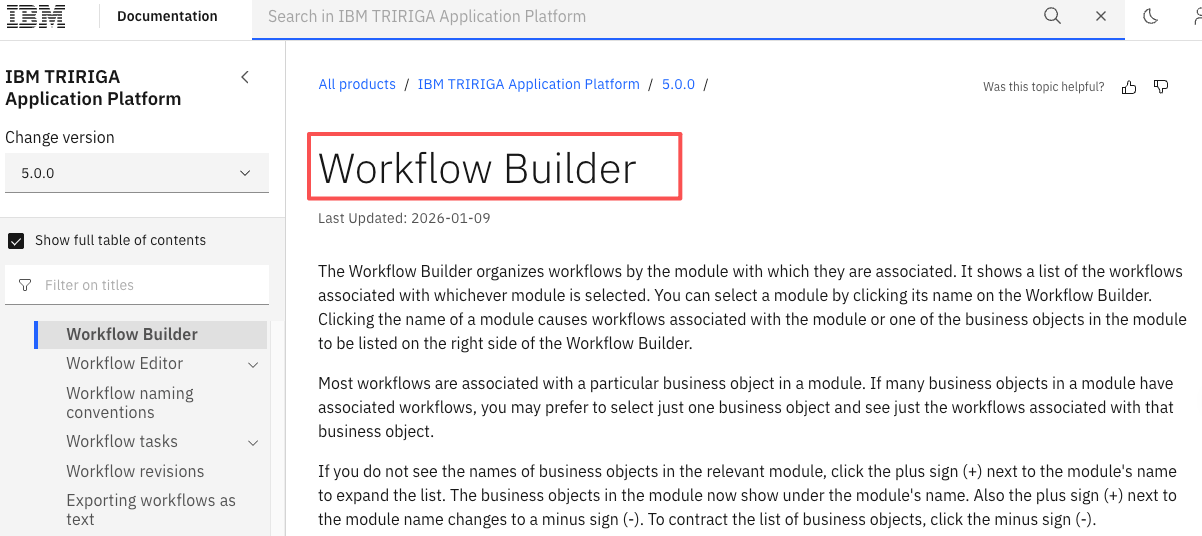
A workflow builder assumes your work has a shape. Most AI workflow builders provide a visual drag-and-drop environment where you can connect different steps with AI actions and build functional automations. The underlying bet is: if you can map your process as a diagram, the tool can run it for you.
Trigger → action → condition → output. Each node does one thing. The connections between nodes define the logic. It's powerful when that assumption holds.
What an AI workspace assumes about your work
An AI workspace makes a different bet. Automation tools excel at moving work between apps, while a knowledge workspace keeps the underlying context organized and accessible. The premise isn't "let me run your process" — it's "let me understand how you think and work, so I can assist you in the moment.**"
Context matters more than sequence. Your files, your decisions, your patterns — the workspace tries to learn those over time and become genuinely useful across whatever you're doing that day.
分类 | Workflow Builder | AI Workspace |
|---|---|---|
Setup | Nodes, triggers, connectors | Files, context, conversation |
Where your work lives | Across connected apps | Inside one unified environment |
Best for | Repeatable, defined processes | Fluid, mixed, judgment-heavy work |
Learns over time? | No — runs what you built | Yes — adapts to your patterns |
Maintenance | Flows break, need updating | Context evolves naturally |
Setup: nodes and connections vs context and files
With a workflow builder, you're essentially an architect before anything runs. You define every step explicitly. What started as rule-based task chaining has evolved into intelligent orchestration platforms that can reason, adapt, and act across complex systems — but you still have to design the reasoning path yourself.
An AI workspace, by contrast, starts from your existing content. You drop in documents, connect your tools, and the AI builds understanding from what's already there. Less upfront architecture. More ongoing collaboration.
Where your work lives
This is the practical difference most people overlook. With a workflow builder, your work still lives in all your separate apps — the builder just automates the handoffs between them. With an AI workspace, the goal is to pull your work into one environment where the AI has full context across everything you're doing.
Who it's designed for
Workflow builders were designed for teams with ops roles — people whose job is to build and maintain systems. AI workspaces were designed for knowledge workers: people whose job is the thinking itself, not the infrastructure around it.
When a Workflow Builder Is the Right Call
You have defined, repeatable, trigger-based processes
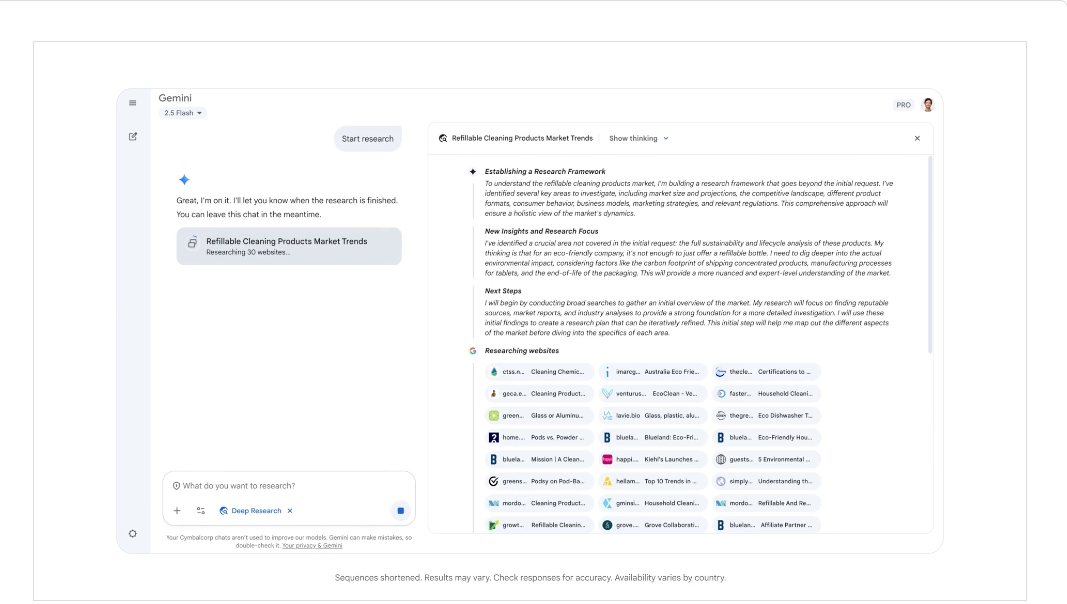
This is the sweet spot. Gumloop's drag-and-drop interface enables you to automate workflows without coding. The platform includes AI-enhanced decision-making and over 110 native nodes for quick automation setup.
If you can say "every time X happens, do Y then Z" — and that's genuinely true most of the time — a workflow builder will save you real hours. Lead enrichment, content repurposing pipelines, automated report generation. These are the use cases where the node-based model shines.
You have a team with clear handoffs
Cross-functional build and review — ops, product, data, and IT collaborating in one governed workspace with roles, reviews, and change control — that's where workflow builders become genuinely powerful infrastructure. When multiple people need to hand work off cleanly, explicit flows beat informal context every time.
You want to build once and run forever
The appeal of "set it and forget it" is real. A well-built AI workflow automation can process hundreds of records without you touching it. That compounding return on setup investment is the whole value proposition.
When an AI Workspace Fits Better
Your work shifts daily and context matters
Here's the thing I kept running into: my days don't have a fixed shape. Some days it's research, some days it's writing, some days it's client communication and strategy calls. A workflow builder can't help you with that — because there's no repeatable trigger to hang the automation on.
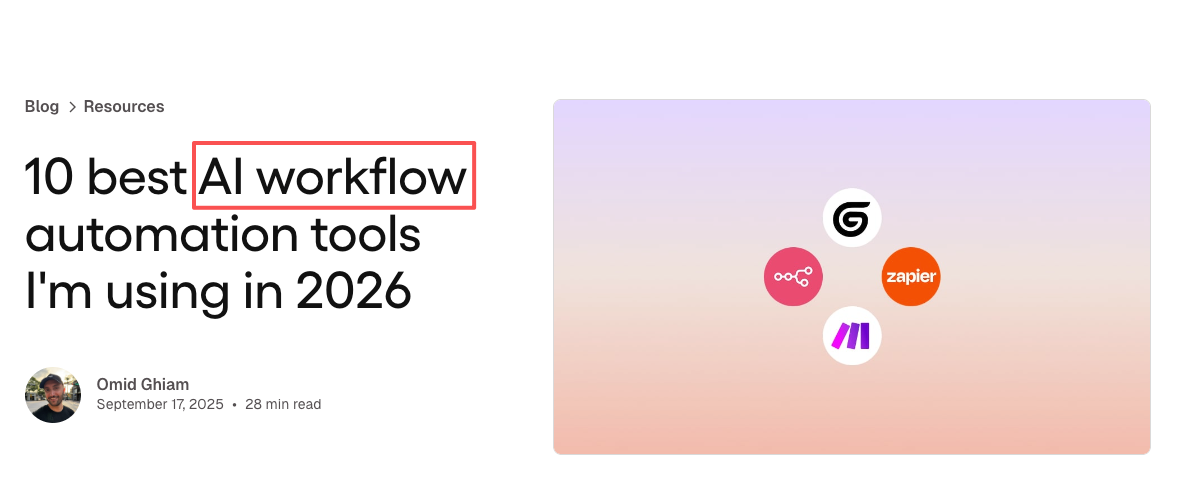
Critical expertise often lives in email threads, chat messages, and personal judgment, not systems. AI can capture that procedural insight and decision rationale and convert it into reusable guidance and structured logic. That's what an AI workspace is trying to do — capture the how of your work, not just the what .
You're doing the job of multiple roles
Solo operators and small founders know this problem intimately. You're the researcher, the writer, the strategist, the account manager — sometimes in the same hour. Notion lets users manage workflows through features such as shared documents and task management. It has fully embraced AI by embedding AI agents, task automation, and intelligent enterprise search into users' everyday workflow.
An AI workspace that understands your projects, your tone, your priorities — that's more valuable than a perfectly automated pipeline you rarely run.
You want to capture how you work, not just what you do
This is the most philosophical distinction, but it matters practically. According to Slack's research on AI adoption, desk workers at companies that build AI into their actual daily workflow — not just their automation stack — show significantly higher productivity gains over time. The compound effect of an AI that knows your context is different from the compound effect of a pipeline that runs in the background.
What Neither Does Well (Yet)
Genuinely, both categories have real gaps worth naming.
Workflow builders struggle with ambiguity. If your input data is messy, or your process branches in unexpected ways, the AI generates workflows that look correct but break in production. You spend hours re-prompting instead of fixing a simple bug. Maintenance overhead is real and often invisible in demos.
AI workspaces struggle with scale and reliability. They're great at understanding context — less great at running the same process 500 times without variation. They can feel "soft" when you actually need something deterministic to just work.
As The Digital Project Manager's review of AI workflow tools notes, the best setups often combine both — a workspace for thinking and context, and a builder for the repeatable output layer. That's a more expensive and complex stack, but it's honest about what each tool actually does.
How to Decide
Three questions to ask before choosing
-
Can I draw my process as a clear flowchart right now? If yes, a workflow builder will serve you well. If the honest answer is "kind of, but it changes a lot" — pause before committing to an ops-heavy platform.
-
Is my bottleneck execution volume or thinking quality? High-volume, low-variation tasks → workflow builder. Judgment-heavy, context-dependent work → AI workspace. Most solo operators are in the second camp more than they realize.
-
Who's going to maintain this six months from now? An AI workflow builder helps speed up delivery so teams can test and launch workflows without waiting on long dev cycles — but someone still has to own those flows. If that person is you, and you're already stretched thin, factor that maintenance cost into your decision.
The honest answer for a lot of solo operators is: start with the workspace, add workflow automation for the specific tasks that are actually repetitive. Don't build the full ops stack before you know which parts of your work are actually stable enough to automate. According to Cybernews' breakdown of AI workflow builders, even among technically capable users, the most common mistake is over-engineering automation for work that hasn't stabilized yet.
Previous Posts:
-
Compare how Lindy and Gumloop differ when building agent-style workflows.
-
Explore real-world AI agent use cases across research, content, and operations.
-
See how one-person businesses are starting to operate like a full team using AI roles.
-
Learn how AI automation work is actually priced in the real market.
-
Understand the difference between AI agents and assistants in real workflows.
Frequently Asked Questions
What's the core difference between a workflow builder and an AI workspace?
How do I know which one fits my work?
When is a workflow builder the right call?
When does an AI workspace fit better?
What does neither category do well yet?
As a solo operator, which should I start with?
https://floatboat.ai/blog/workflow-builder-vs-ai-workspace