
No Code AI Agent Builder: Should You Use One?
No code ai agent builder tools are useful for prototypes, but solo operators should check limits, maintenance, and context needs.
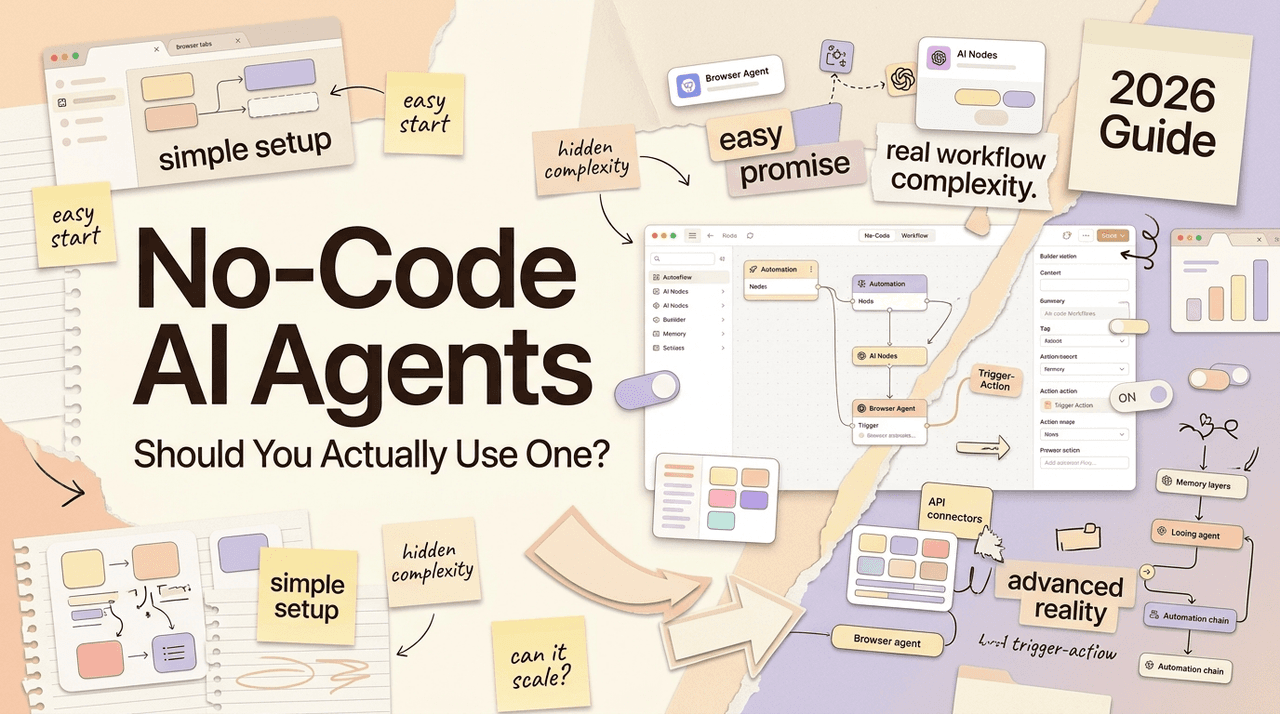
Hello, I'm Nova. Here's a question I've been sitting with for a few months now, and I finally have enough real experience to answer it honestly: if you're running a project by yourself or with a small team, does a no code ai agent builder actually hold up — or does it just hold up until it doesn't?
My take: it depends less on the tool and more on what "using it" actually means to you. If it means getting something working by next Tuesday, no-code is genuinely good now. If it means something that runs reliably at 2 a.m. without you watching it — that's a more complicated answer.
Let me work through how I'd think about this.
Quick Verdict for Solo Operators
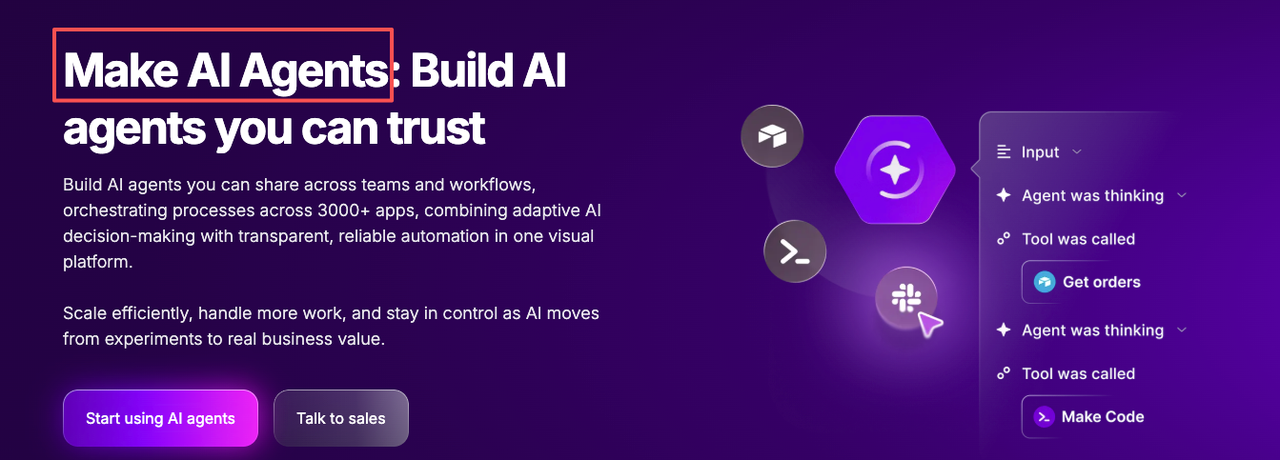
If you're running solo and your main bottleneck is starting , no-code is the right call. The argument for it is simple: you can build a real working agent in a few hours without touching a config file. That's not hype — it's true for platforms like Zapier Agents and Make AI Agents in 2026.
But "built" and "running reliably" are not the same thing. This distinction gets skipped in almost every comparison article, and it's the thing that actually decides whether no-code works for your situation.
If you're building something you'll check on regularly, iterate on, and adjust — no-code is a reasonable home base. If you're building something you expect to just run in the background indefinitely without attention, that's a harder sell, and I'll explain why in the maintenance section below.
Where No-Code Builders Work Best
I've used no-code builders mostly for three things: content research pipelines, lead routing, and light customer communication drafts. Here's where they genuinely earned their place.
Workflows with predictable inputs. When your agent always gets the same type of data — a form submission, a new row in a spreadsheet, a webhook from the same source — no-code handles it well. The visual canvas in tools like Make's AI agent builder makes it easy to see exactly where data flows, which helps when something breaks.
Connecting apps you're already using. This is where Zapier specifically earns its price. 8,000+ integrations means you rarely hit a "this app isn't supported" wall. If your whole stack is in SaaS tools — Gmail, Notion, Airtable, Slack — no-code can wire them together without you needing to know what an API call looks like.
Testing an idea before building it properly. No-code is excellent for answering "would this workflow even be useful?" in days rather than weeks. I've validated two or three agent ideas this way — built a rough version, ran it for a couple of weeks, figured out whether it was worth investing more time into.
That last one is actually where I think no-code does its best work. Not necessarily as the final thing, but as the fastest path to knowing if the thing is worth building at all.
No-Code vs Low-Code vs Workspace
Setup Effort, Flexibility, Maintenance, and Reliability
This comparison is more useful than "which platform wins," because the tradeoffs are structural, not just feature-based.
No-code (Zapier, Make, Lindy)
Setup effort: low. You can have a first working version in under an hour for most use cases. Make's visual scenario builder shows data flowing between modules in a way that's genuinely intuitive — I spent maybe twenty minutes the first time before things were connecting. According to Zapier's official agents documentation, agents can be configured through plain-language instructions without touching any code.
Flexibility ceiling: real. Complex branching logic, persistent memory across sessions without workarounds, custom error handling — these are where no-code starts to feel like you're fighting the tool rather than building with it. Zapier's task-based billing also becomes a consideration at scale: each action in a workflow counts as a separate task, so a 10-step agent that runs 500 times a month burns 5,000 tasks.
Maintenance: the quiet risk. No-code platforms don't always surface failures clearly. A workflow that silently errors because a third-party app changed a field name will keep running (and billing) without telling you it's producing nothing useful.
Reliability: generally solid on managed infrastructure. Zapier reports 99.9%+ uptime on paid plans. The reliability risk isn't the platform going down — it's the agent behaving unexpectedly without you knowing.
Low-code (n8n, Dify, Flowise)
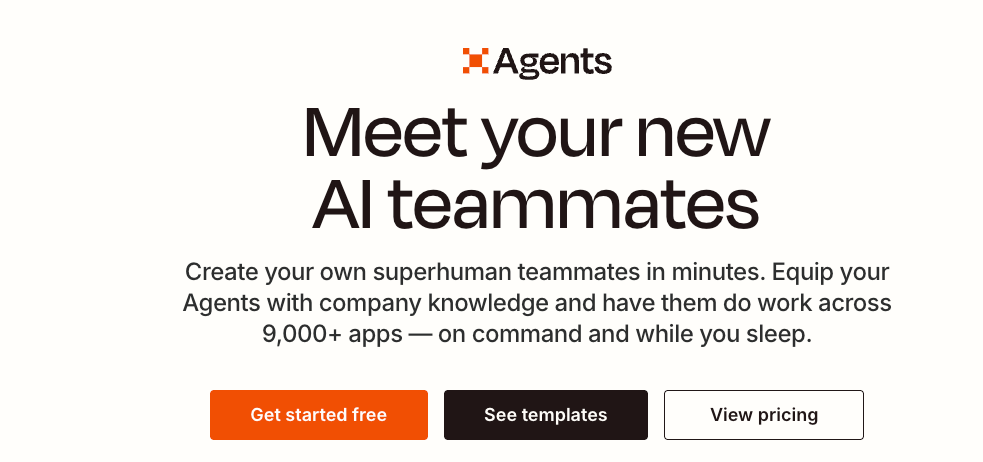
Setup effort: moderate. Expect to spend a few hours the first time, especially if you're working with HTTP nodes or custom data shapes. The n8n AI agent documentation is well-maintained and I've found it accurate.
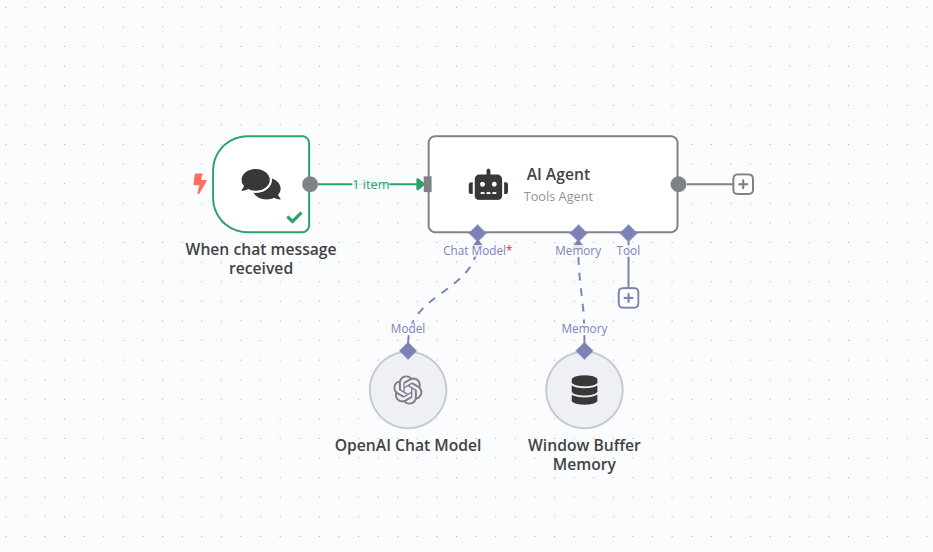
Flexibility ceiling: significantly higher. You can drop into code when you need to. n8n 2.0 (January 2026) added native LangChain integration with 70+ AI nodes — persistent memory, RAG pipelines, tool-calling agents. This is real agent architecture, not just AI API calls dressed up as agents. Make's own 2026 predictions post notes the same direction: AI capability rising while setup complexity fades — which is roughly what this tier delivers.
Maintenance: better visibility. n8n has execution logs built in. When something breaks, I can see exactly which step failed and why. That changes the maintenance experience substantially.
Reliability: dependent on your setup. Cloud-hosted n8n is managed. Self-hosted means you own the uptime.
Workspace-native (Google Workspace AI, Microsoft Copilot Studio)
These make sense if your whole team already lives in one ecosystem. Google's Workspace AI flows through Gmail, Drive, and Calendar without any integration overhead. The cost is flexibility — you're building within their walls, using their models, following their update schedule. I haven't tested either deeply for agent use cases, so I'll stop there.
Failure Recovery and Ownership
This section is the one I wish someone had explained to me earlier.
When a no-code agent fails — and eventually, something will — your recovery options are limited by how much the platform exposes to you. Zapier Agents, for instance, doesn't show you the reasoning the agent used when it made a wrong decision. You see the inputs and outputs, but not the path between them. That makes debugging feel like guessing.
Low-code platforms are better here. n8n shows run-by-run execution data. If your agent misrouted a lead, you can trace exactly which node produced the wrong output. That feedback loop is what makes it possible to actually improve an agent over time, rather than just rebuilding it when it stops working.
The ownership question matters too. Workflows built in Zapier or Make live on their servers, in their format. If you move platforms, you're rebuilding. n8n workflows export as JSON and are portable. LangChain-based agents are code — they go wherever you go.
I'm not saying proprietary platforms are bad. I'm saying you should know what you're trading for the convenience.
When to Avoid No-Code Builders
Here's my actual answer to "should I use one?" — and it's not a hedge.
Avoid no-code if:
-
Your agent needs to run unattended for weeks without checks. The failure modes are too quiet.
-
Your workflow has conditional logic more complex than 2–3 branches. You'll spend more time fighting the builder than building.
-
Data sovereignty matters for your use case. Cloud-only no-code platforms send your data through their infrastructure. For anything touching sensitive client data or regulated industries, self-hosted low-code is the safer path.
-
You're building something you plan to hand off to a client or team. A Zapier workflow someone else has to debug is a support burden, not a deliverable.
-
You expect the agent to handle edge cases gracefully without manual intervention. No-code builders optimize for the happy path.
No-code is probably fine if:
-
You're validating an idea and want something working this week
-
Your inputs are predictable and your connected apps are stable
-
You'll personally monitor it and iterate regularly
-
The workflow is 5 steps or fewer and the logic is linear
Honestly? The right answer for most solo operators is probably: start with no-code, know its ceiling, and have a plan for when you outgrow it.
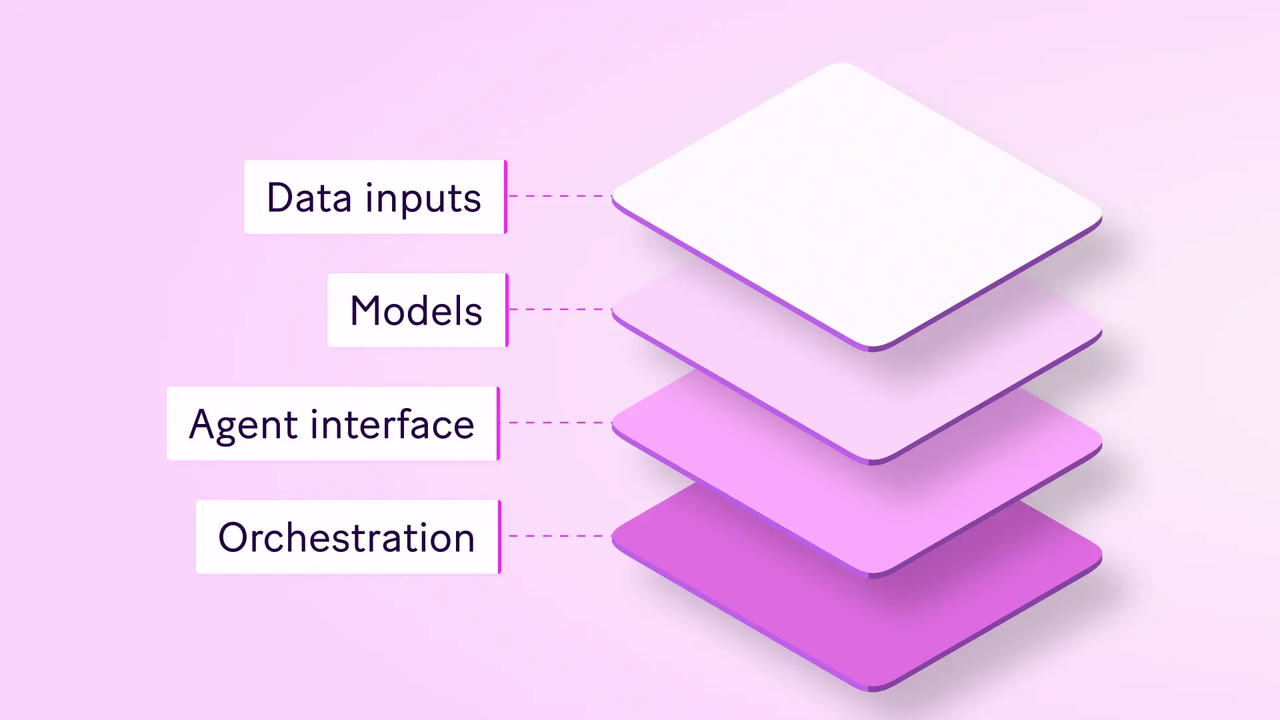
The honest summary: a no code ai agent builder is a real tool, not a toy — but it has an honest ceiling. Build in it when speed matters. Know when you've outgrown it.
If the answer isn't clear yet, build the thing. You'll usually know within two weeks whether the tool is enough or whether you need something with more room to grow.
Previous Posts:
-
Still figuring out whether you even need an “AI agent” yet? Start here: What Is an AI Agent Platform? A Decision Framework for Solo Operators
-
Want to understand the difference between workflows, automations, and true agents? This breaks down where the line actually is: AI Workflow vs Agent Workflow: Where the Line Actually Is
-
Comparing Zapier, Make, n8n, or Flowise? This guide explains what actually matters when choosing an AI agent builder: Best AI Agent Builder? What Actually Matters for Solo Operators
-
If you're deciding between workspace-style AI tools and dedicated agents, this is the comparison worth reading first: Workspace Agents vs Chat Assistants: The Difference That Actually Matters
-
Thinking beyond “getting it working” and toward long-term maintainability? This piece on workflow builders vs workspace agents connects directly to that question: Workspace Agents vs Workflow Builders: Which One Fits Real Solo Work?
Frequently Asked Questions
Can no-code agents run reliably every day?
What's the difference between no-code, low-code, and workspace-native AI?
What kinds of workflows suit no-code builders best?
Can I fix failures without a developer?
When should I avoid no-code entirely?
When is it time to move from no-code to low-code?
https://floatboat.ai/blog/no-code-ai-agent-builder