
Claude Code for Non-Developers in 2026: What Solo Operators Should Know
Claude Code is built for developers—but if you run a one-person business, here's what it actually means for you and whether you need it.
Non-developers often encounter Claude Code through the same question: is a terminal agent useful when your main work is documents, research, operations, or managing a product rather than writing software?
The answer depends less on hype than on the work surface. This is not a feature breakdown or tutorial; it asks one question: if you are a solo operator without a coding background, what does Claude Code mean to you?
What Claude Code Actually Does (in Plain Terms)
Per Anthropic's official documentation, Claude Code is "a command line tool that gives you access to Claude models directly in your terminal, allowing you to delegate complex coding tasks while maintaining transparency and control."
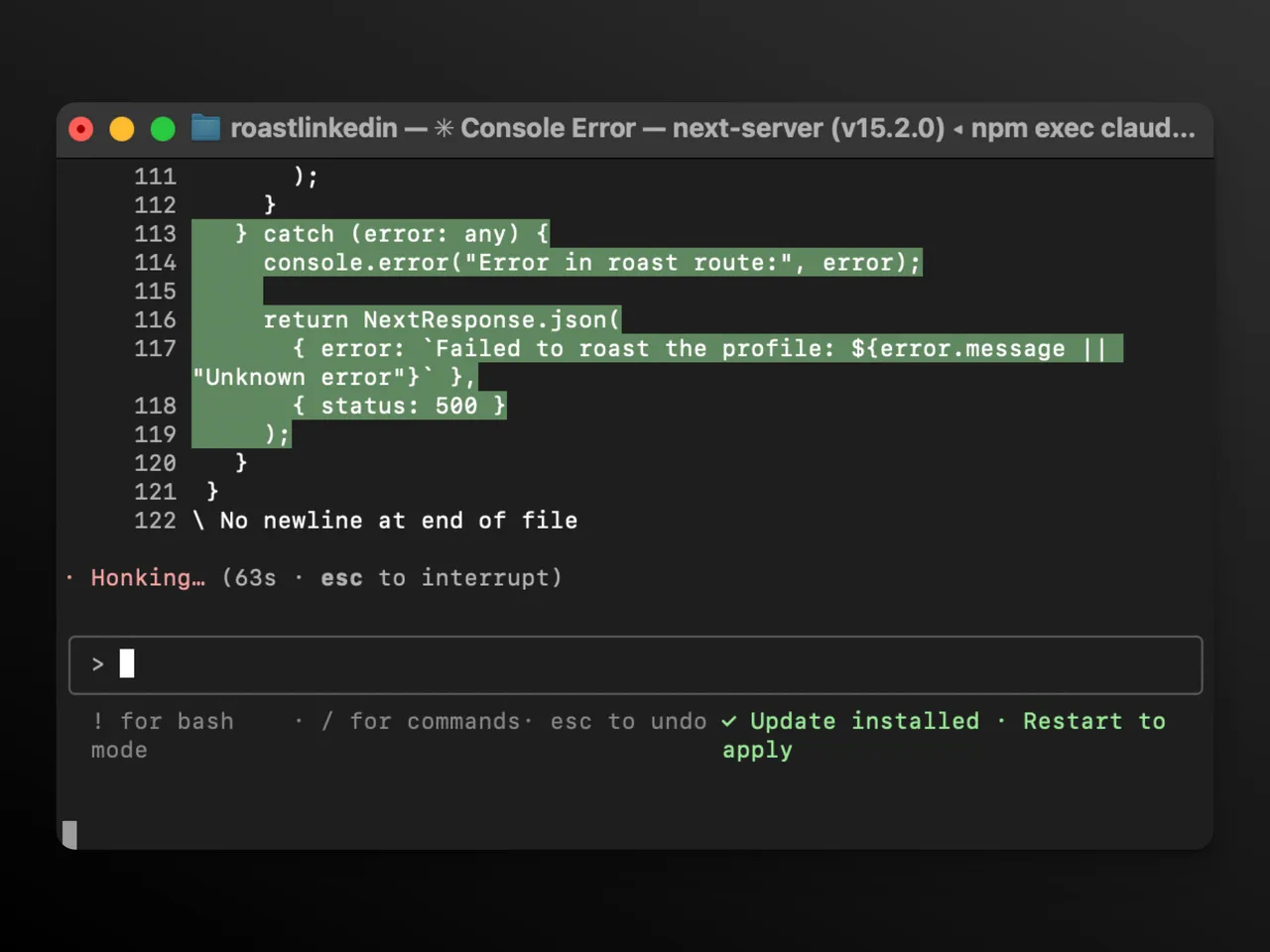
The key word is terminal . That black-box window developers use. Claude Code lives there. It can open your project folders, understand how files connect, write functions, run tests, and push to GitHub — operating directly on your actual file system.
What "Agentic Coding" Means for Non-Coders
When people say "agentic," they mean the tool takes multiple steps on its own. You say "build a login page," and Claude Code figures out the file structure, writes the components, runs the tests, and flags what broke. It functions more like an autonomous junior developer than a chat assistant. It's also a window into where AI agents are heading in 2026 — less answering questions, more executing multi-step work on their own.
That's genuinely powerful. But the word codebase appears everywhere in its documentation . For a reason — it assumes you have one, or are building one. This is not simply a smarter Claude.ai chat window. It is a more targeted tool.
The Three Tools, Clearly Defined
Before going further, it helps to have a clear mental model of what's what:
Tool | Lives in | Does what | Who it's for |
|---|---|---|---|
Claude chat | Browser / app | Answers, drafts, analyzes | Everyone |
Claude Code | Terminal | Reads and edits codebases, runs commands | Developers |
Cowork | Desktop app | Executes multi-step tasks on your files | Non-technical knowledge workers |
Anthropic's official Cowork documentation describes it as "Claude Code's agentic capabilities accessible within Claude Desktop and without opening the terminal." It's the same underlying architecture, designed for people who don't want to touch a terminal.
Who Claude Code Is Really Built For
The Setup Bar — and Why It Matters
Claude Code assumes you're comfortable in a terminal, have Node.js installed, and have a reason to interact with a codebase regularly. It's a real bar. You're not opening an app and clicking "start." You're installing a CLI tool, giving it file permissions, and learning how sessions work.
For non-developers, that setup isn't insurmountable — some people have walked through it. But it takes time, and something will inevitably break mid-install.
What It Actually Costs
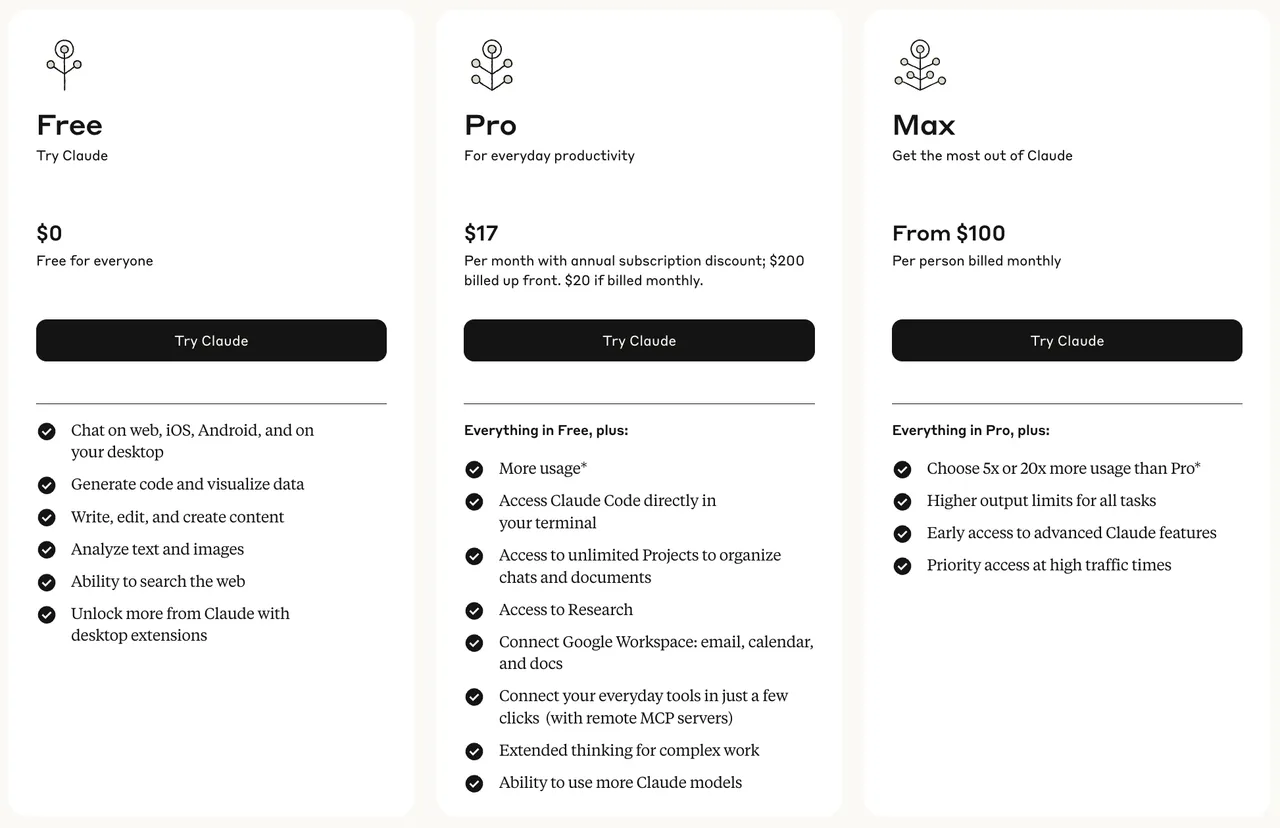
Claude Code access, prices, included models, and usage limits can change. As of October 13, 2026, check Anthropic’s current pricing page and official Claude Code plan documentation, then run a bounded pilot.
Usage cost varies with model choice, workload and plan limits. Check Anthropic's current plan and usage documentation before budgeting; a short, bounded pilot is more reliable than extrapolating another team's daily average.
Does a Solo Operator Actually Need This?
The practical question is whether the terminal workflow matches the operator’s recurring work.
If You Write Code or Manage Developers: Maybe
If you're a solo founder shipping your own product, or a one-person shop who manages a freelance developer, Claude Code starts making real sense. Even partial coding knowledge gets amplified significantly. You can prototype faster, understand your codebase without asking someone else, and automate repetitive technical tasks.
If you already use GitHub or manage technical projects, the learning curve may pay off. Verify that with one reversible task.
If You Run Content, Consulting, Ops, or Client Work: Probably Not Directly
If your day is writing, thinking, communicating, and organizing — Claude Code is not your tool. Not because it's bad, but because it's solving a different problem. It won't help you draft better proposals, organize your client pipeline, or turn research notes into a content calendar.
The honest reality: for knowledge workers, you can do more relevant things inside Claude.ai or Cowork than by forcing yourself to learn the terminal.
A Simple Decision Framework
Use this quick self-evaluation:
Ask yourself this | If yes → | If no → |
|---|---|---|
Do I regularly open a terminal for work? | Worth trying Claude Code | Skip for now |
Do I manage or contribute to a codebase? | Worth trying Claude Code | Skip for now |
Do I want AI to execute multi-step file/research tasks? | Look at Cowork | Keep using Claude chat |
Is my main bottleneck writing, thinking, or communicating? | Go deeper on Claude chat features | — |
Am I hitting limits on the Pro plan regularly? | Consider Max 5x | Stay on Pro |
That distinction resolves a common source of confusion: Claude Code and Cowork may use related agent capabilities, but they serve different working surfaces.
What You Probably Need Instead
Cowork: The Non-Coding Alternative
Cowork addresses a different work surface and should not be conflated with Claude Code.
Anthropic's official Cowork documentation presents Cowork as a desktop surface for working with files and knowledge-work tasks without requiring a terminal-first workflow.
You point it at a folder. You describe what you need. Claude figures out the steps and handles it — sorting files, pulling expense data from receipt screenshots, drafting reports from scattered notes. No terminal required.
Current availability: product status, supported systems, and plan access are dynamic. The official Cowork documentation above was rechecked on October 13, 2026; verify it again before adopting the product.
When Claude Chat Is Still the Answer
For writing, research, analysis, and communication, compare the current Claude chat and Cowork capabilities on Anthropic’s official pages before deciding that a terminal workflow is necessary.
Mastering prompt structure and Claude's Projects feature will help you more than learning a terminal. That's the actual leverage point for knowledge workers — and it doesn't require upgrading anything.
The Real Question: Build or Use?
What "Building Your Own AI Tools" Actually Costs
Claude Code does unlock something real: you can technically build mini-apps, scrapers, and internal automations without hiring a developer. For some people, that genuinely changes what's possible. "Building your own" reaches further than code, too — even wiring Feishu CLI into a solo work setup turns out to be a real project once maintenance enters the picture.
The full cost includes learning time, review, debugging, and recovery. Use Anthropic’s current plan documentation for the current accounting rules.
Without enough technical foundation to review commands and recover changes, setup and correction can outweigh the benefit. That time may have better uses while working toward your first 100 customers.
Where These Lands
If you're a solo operator without a coding background, the highest-ROI move is almost never "learn Claude Code." It's: get genuinely good at the AI tools already built for your workflow — and because AI doesn't know how you work until you teach it, how well a tool fits your working style matters more than how capable it is.
Going deep on Claude's existing chat features, Projects, and Cowork will help you more than a terminal ever will for the kind of work most solo operators actually do.
Build tools when you have a reason to. Use tools when they already exist. Most of the time, they do.
Verdict
Claude Code is capable, but the relevant question is which job it fits. But impressive-for-whom matters.
If you write code, manage developers, or want to prototype software : explore it. Start with a reversible pilot and verify current plan access before expanding.
If your work is words, relationships, and ideas : your time is better spent going deep on Claude's existing features — Projects, extended context, integrations, and Cowork. That's where the real daily value lives for most solo operators.
Oh, and one practical note: Anthropic's support page on plans is genuinely clear about what each tier includes. Worth a read before upgrading anything.
Sometimes the evidence-based answer is simply “not for this workflow yet.”
Related posts

The Markdown Resume — Maintain One Source, Export Every Format
Keep your resume as one Markdown source and export print-ready PDF, Word, and web on demand — structure, git history, and what ATS parsing…
Markdown for Note-Taking — A Workflow That Outlives Any App
A markdown note-taking workflow built on plain files: naming, structure, links, and AI review. Why plain text outlives any app, and how to…
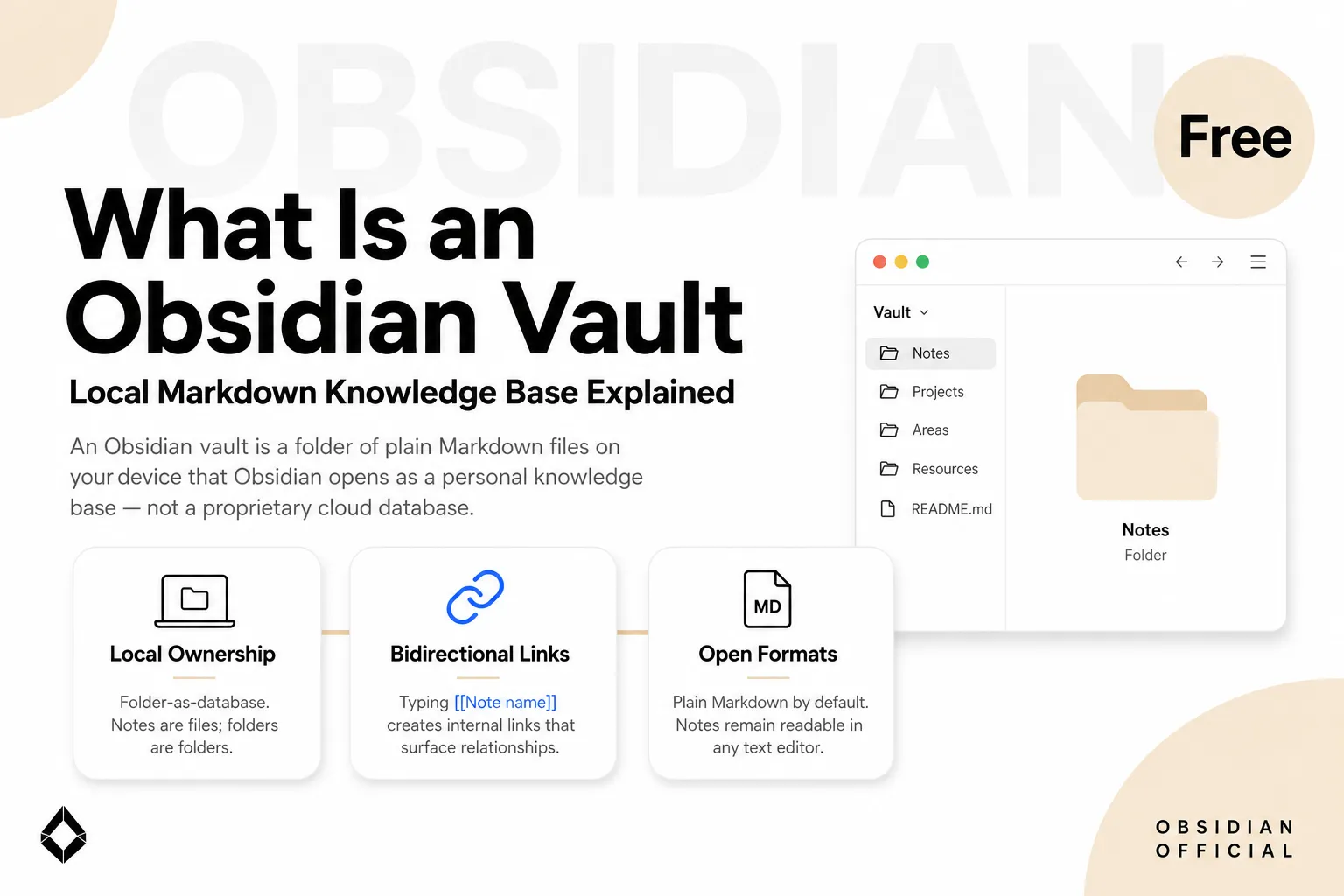
What Is an Obsidian Vault? Files, Settings, and Boundaries
An Obsidian vault is a local folder containing Markdown notes, attachments, and vault-specific settings. Learn what lives inside it, what…
https://floatboat.ai/blog/claude-code-non-developers-solo-operators